What lip-sync does
The model does not create the voice: it animates a mouth over the audio you give it. Two cases. With a portrait and an audio track, it produces a video where the person speaks, as long as the audio. With a video and an audio track, it re-syncs the lip movement to the new voice. The cost follows the exact length of the file, measured before anything is charged. Released alongside them, MiniMax H3 Max Relight relights a video from an image of a lighting sphere.
7 models
4 to make a portrait talk, 3 to dub an existing video
1 to 30 s
of audio for a portrait, depending on the model: the video lasts as long as the audio
WAV · M4A
for the audio, WAV only with OmniHuman v2; convert an MP3 first
Examples made on Beemm Vision


The four steps
Step 1
Pick the case: a portrait or a video
To make an image talk, pick an Avatar-type model: Kling AI Avatar v2, MiniMax H3 Max Lip Sync, OmniHuman v2 or sync-3 Avatar. To dub a video, a Lip-sync-type model: sync-3 Lipsync, Kling LipSync or HeyGen Lipsync. In Generate, the model menu files them under these two types; on the canvas, add the model’s node.
Step 2
Prepare the image, the video and the audio
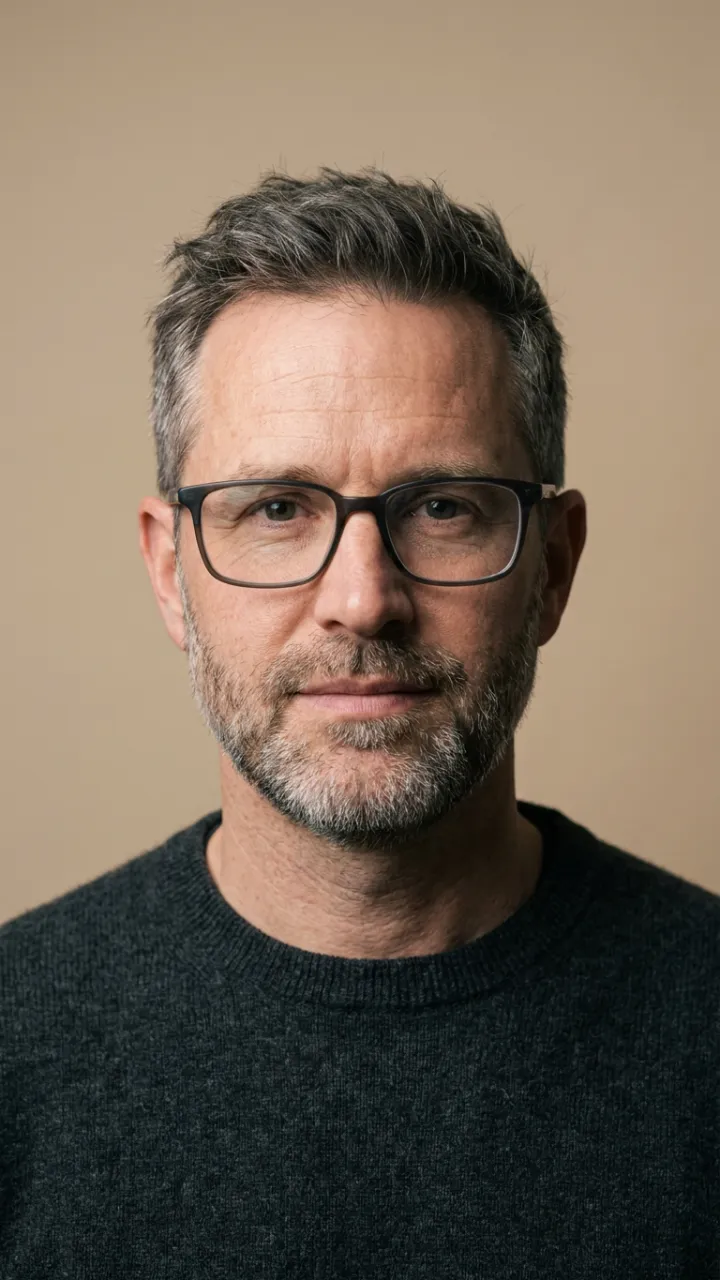
The portrait: a front-facing face, mouth visible. sync-3 Avatar also takes an illustration. The audio: a WAV or M4A file, WAV only for OmniHuman v2; an MP3 is refused before any charge, so convert it first. The video to dub: an MP4 or a MOV. Use your own voice, or a voice you hold the rights to.
Step 3
Attach the files and set up the model
In Generate, drop the image or the video, then the audio into the "Voice" slot. On the canvas, import the files and connect them to the node’s Image, Video and Audio inputs. Kling AI Avatar v2 comes in Standard or Pro, MiniMax H3 Max Lip Sync from 480P to 2K (768P by default), HeyGen Lipsync in Speed or Precision. On the canvas, sync-3 Lipsync lets you choose what happens when the video and the audio differ in length.
Step 4
Stay within the lengths, then run
For a portrait, the video lasts as long as the audio: 2 to 30 s with Kling AI Avatar v2, 5 to 30 s with MiniMax H3 Max Lip Sync, 4 to 30 s with OmniHuman v2, 1 to 30 s with sync-3 Avatar. For dubbing: 1 to 30 s with sync-3 Lipsync and HeyGen Lipsync, a video of 2 to 10 s with Kling LipSync. Generate shows the cost as soon as the file is measured; outside these bounds, the generation is refused before any charge.
The models at a glance
| Case | Models and accepted lengths | Tip |
|---|---|---|
| Portrait + voice | Kling AI Avatar v2 (2 to 30 s), MiniMax H3 Max Lip Sync (5 to 30 s), OmniHuman v2 (4 to 30 s), sync-3 Avatar (1 to 30 s) | The video lasts as long as the audio; sync-3 Avatar takes an illustration |
| Video + voice | sync-3 Lipsync (1 to 30 s), Kling LipSync (video of 2 to 10 s, audio of 2 to 60 s), HeyGen Lipsync (1 to 30 s) | HeyGen: the audio must be shorter than the video, which keeps its length |
| Length mismatch | sync-3 Lipsync: cut to the shorter, loop, bounce, slow down or speed up, pad with silence | A node setting; it sets the output length, hence the cost |
| Relight | MiniMax H3 Max Relight: a video of 2.4 to 15 s and an image of a lighting sphere | 768P by default, up to 2K; the video keeps its length |
| Formats | Audio WAV or M4A, video MP4 or MOV | OmniHuman v2: WAV only; an MP3 is refused before any charge |
Use cases
A presenter for a product video
A front-facing portrait and your script recorded as WAV: Kling AI Avatar v2 or MiniMax H3 Max Lip Sync render a video as long as the audio.
A talking mascot
sync-3 Avatar also animates an illustration: your brand mascot reads your message. To keep it identical from one image to the next, see the consistent character guide.
A dubbed video
Record the translated version, then sync-3 Lipsync or HeyGen Lipsync re-sync the lips of the original video to the new voice.
Change the light of a scene
MiniMax H3 Max Relight relights a video from an image of a sphere that shows the lighting you want.
Frequently asked questions
- How do I make a photo talk with AI?
- Attach a front-facing portrait and an audio file to an Avatar-type model: Kling AI Avatar v2, MiniMax H3 Max Lip Sync, OmniHuman v2 or sync-3 Avatar. The model animates the mouth over the audio, and the video lasts as long as the audio.
- Which audio format do I need?
- WAV or M4A; OmniHuman v2 only takes WAV. An MP3 is refused before any charge, because its length cannot be measured exactly: convert it to WAV or M4A first.
- How long can the video be?
- For a portrait, up to 30 seconds, the length of the audio: at least 1 to 5 seconds depending on the model. For dubbing, 30 seconds with sync-3 Lipsync and HeyGen Lipsync, 10 seconds of video with Kling LipSync.
- Can I dub a video into another language?
- Yes, with the translated voice as an audio file: sync-3 Lipsync, Kling LipSync or HeyGen Lipsync re-sync the lips to it. The model does not translate: it syncs the lips to the audio you provide.
- How much does a lip-sync cost?
- The cost follows the exact length of the audio or video, measured before anything is charged, and depends on the model and its setting. Generate shows it as soon as the file is measured. A file outside the bounds, or one that cannot be read, is refused before any charge.
- Are all seven models open to every account?
- HeyGen Lipsync and OmniHuman v2 have no filter on their provider’s side: they are reserved for accounts that have declared they are adults. Other accounts get Kling AI Avatar v2, MiniMax H3 Max Lip Sync, sync-3 Avatar, sync-3 Lipsync and Kling LipSync.
Make your first portrait talk
Open the studio, pick an Avatar-type model in Generate, then attach a front-facing portrait and your voice as WAV or M4A.