What GPT Image 2.6 does
GPT Image 2.6 creates an image from text, or edits the images you give it. Generate presents its two variants, Flare and Sunburst, as two styles; each exists for creating and for editing. Beemm Vision sends every request with the highest reasoning level, with nothing to set. GPT Image 2.5 and GPT Image 2 remain available alongside.
2 styles
Flare and Sunburst, same settings, same price
1K to 4K
in eight formats, png, jpeg or webp output
16 images
as editing input, plus a mask on the canvas
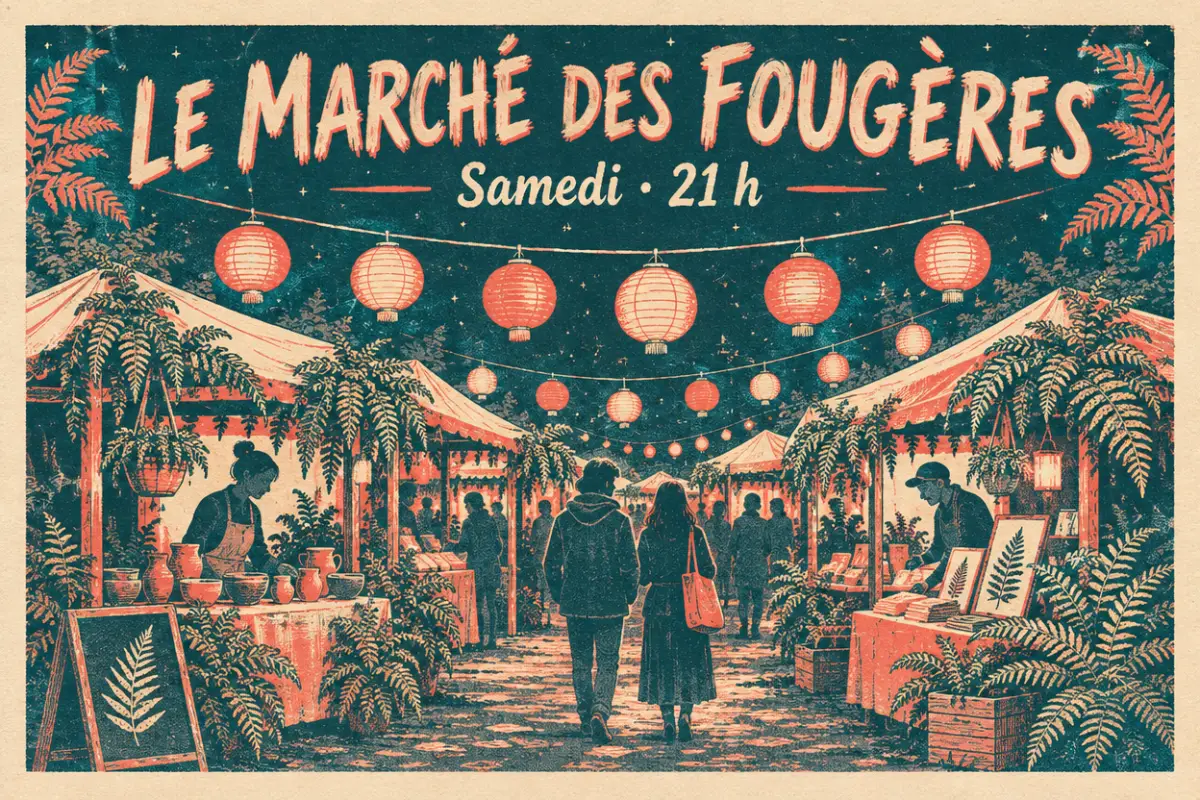
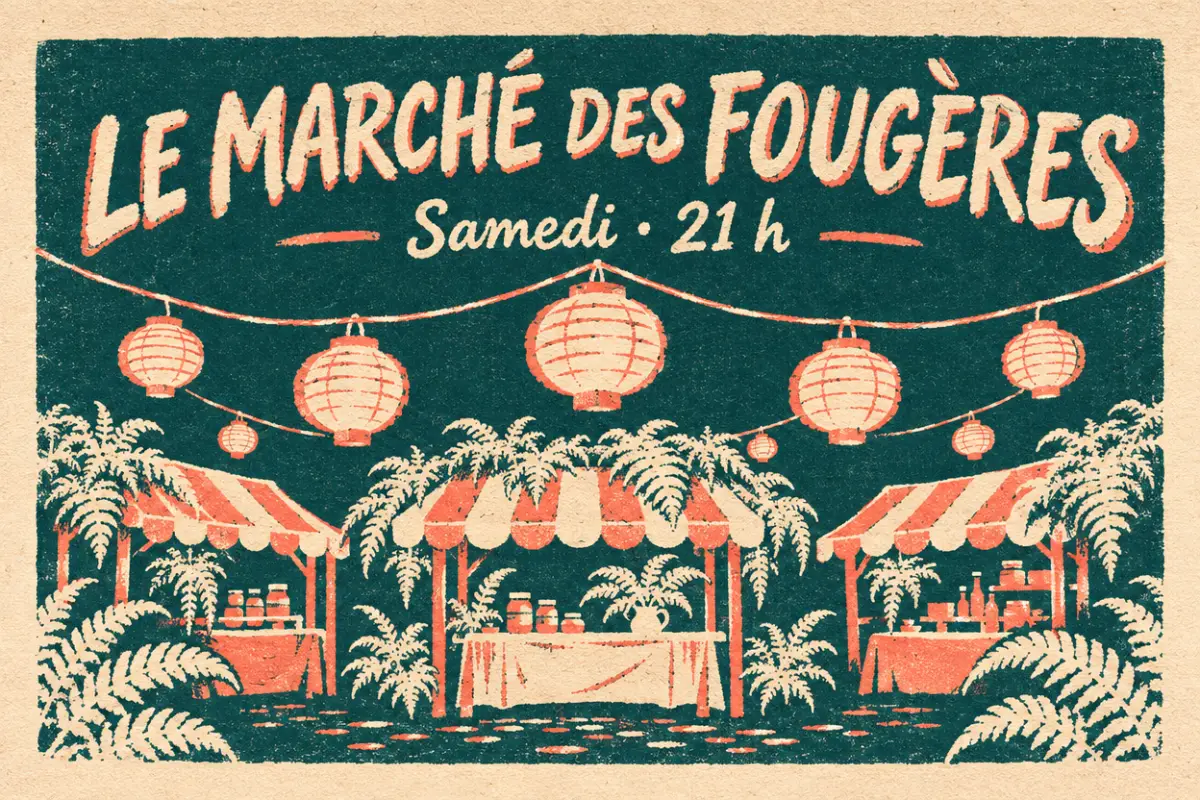
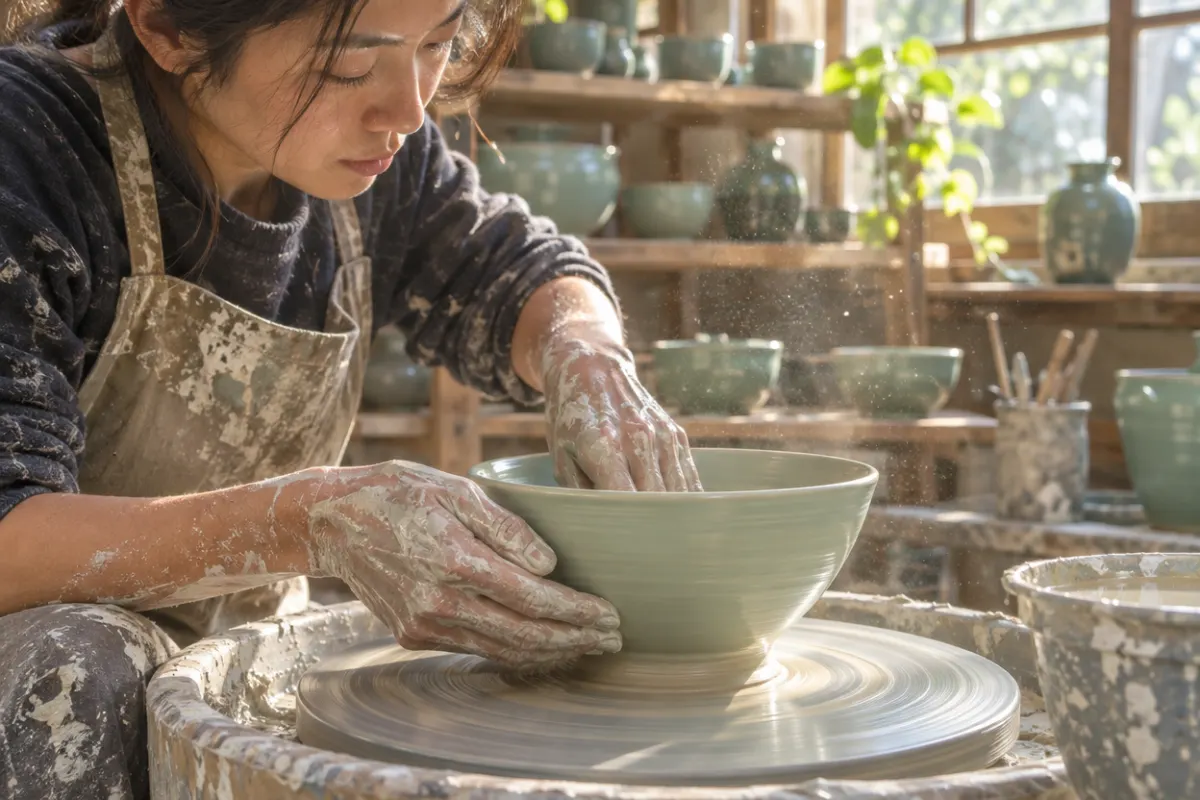
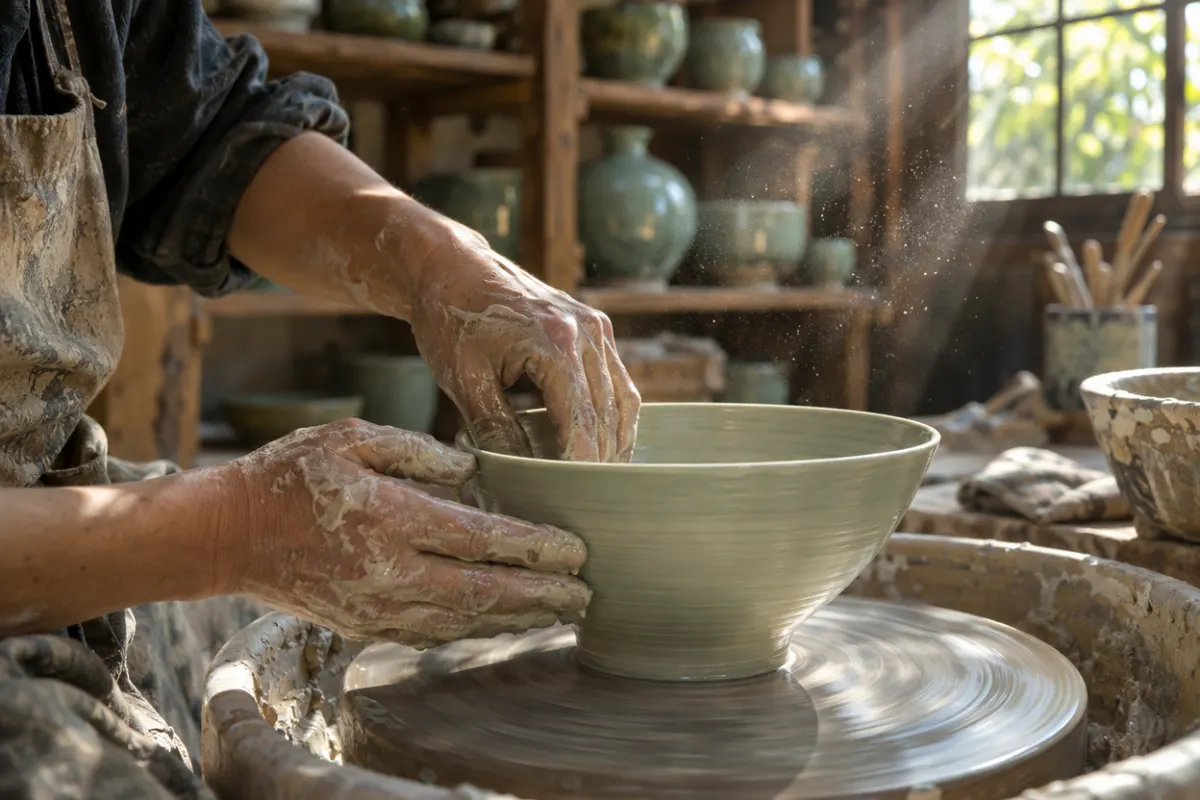
Examples made on Beemm Vision
The four steps
Step 1
Pick GPT Image 2.6 and the style
In Generate, Image tab: provider OpenAI, line "GPT Image 2.6", then the Flare or Sunburst style. On the canvas, add the GPT Image 2.6 Flare or GPT Image 2.6 Sunburst node; each has its Edit version.
Step 2
Add images to edit
Add 1 to 16 images: Generate switches to the editing version on its own, and the prompt describes the change. On the canvas, the Edit node also takes a mask, which GPT Image treats as a hint. Each input image, mask included, adds to the cost.
Step 3
Set the format and resolution
Eight formats: 1:1, 16:9, 9:16, 4:3, 3:4, 3:2, 2:3 and 21:9, with no auto format. Resolution 1K, 2K or 4K. On the canvas, the inspector also sets quality (low, medium or high) and background (auto, transparent or opaque); Generate sends high quality. A prompt over 4,000 bytes is cut.
Step 4
Compare both styles, then keep the right one
Run the same prompt in Flare, then in Sunburst, at the same format and resolution: it is the only reliable way to choose. On the canvas, two nodes side by side keep both renders in view. The cost shows before every generation.
The settings at a glance
| Setting | Values | Tip |
|---|---|---|
| Style | Flare, Sunburst | Same price grid: only the look changes |
| Resolution | 1K, 2K, 4K | 1K by default; the price rises with resolution |
| Format | 1:1, 16:9, 9:16, 4:3, 3:4, 3:2, 2:3, 21:9 | No auto format |
| Quality | low, medium, high | High by default; only low at 1K costs less |
| Background | auto, transparent, opaque | In the canvas inspector; keep png for transparency |
| Editing | 1 to 16 images, optional mask | The mask connects to the Edit node on the canvas; GPT Image treats it as a hint |
| Output | png, jpeg, webp | png by default |
Use cases
A poster with a title
Write the exact text in quotes in the prompt, then compare Flare and Sunburst at the same format: how the title reads settles it fast.
One visual in three formats
The same prompt in 1:1, 9:16 and 16:9, in one style: a square for the feed, a vertical for stories, a landscape for the site.
Edit one precise area
In AI retouch, Inpaint tab, GPT Image 2.6 sees the area circled and the server pastes the rest of the image back unchanged: see the inpainting guide. On the canvas, the Edit node’s mask is only a hint for the model.
Combine several references
Up to 16 input images: the product, the palette, the set. The prompt says how to combine them; each image counts in the cost.
Frequently asked questions
- Flare or Sunburst: what is the difference?
- On Beemm Vision, both have the same settings and the same price: only the look changes, and Generate lists them under Style. The safest way is to run the same prompt on both, at the same format, and keep the one that serves your image.
- GPT Image 2.6 or GPT Image 2 (ChatGPT Images 2.0): which one?
- GPT Image 2, shown as "ChatGPT Images 2.0" in Beemm Vision, and GPT Image 2.6 both output 1K, 2K or 4K in eight formats. 2.6 adds two styles, the background setting and editing from 16 images, where GPT Image 2 takes only one. For a new visual, start with 2.6.
- Do I need to pay for ChatGPT to use GPT Image 2.6?
- No: no ChatGPT subscription and no OpenAI API key. Beemm Vision bills in credits, on one balance shared across the whole catalogue, and signing up gives you free credits, once. The cost shows before every generation.
- Can GPT Image 2.6 edit an existing image?
- Yes. Add 1 to 16 images and describe the change: Generate switches to the editing version of the chosen style on its own. To change a single area without touching the rest, use the Inpaint tab of AI retouch: GPT Image 2.6 sees the area there, and the rest of the image is pasted back unchanged. On the canvas, the Edit node’s mask is only a hint.
- How is GPT Image 2.6 billed?
- Per image produced, by resolution and quality: 4K costs more than 2K, which costs more than 1K, and only low quality at 1K lowers the price. Each input image, mask included, adds to it. Flare and Sunburst cost the same. The cost shows before every generation.
- Can I get a transparent background, an SVG or a GIF?
- The background setting, yes: on the canvas, the inspector offers auto, transparent or opaque; keep png output for transparency. Outputs are png, jpeg or webp: Beemm Vision sends neither SVG nor GIF to GPT Image 2.6.
Try GPT Image 2.6
Open the studio on GPT Image 2.6, write a prompt, run it in Flare then in Sunburst, and keep the render that serves you.